.png)
How to write your prompt?

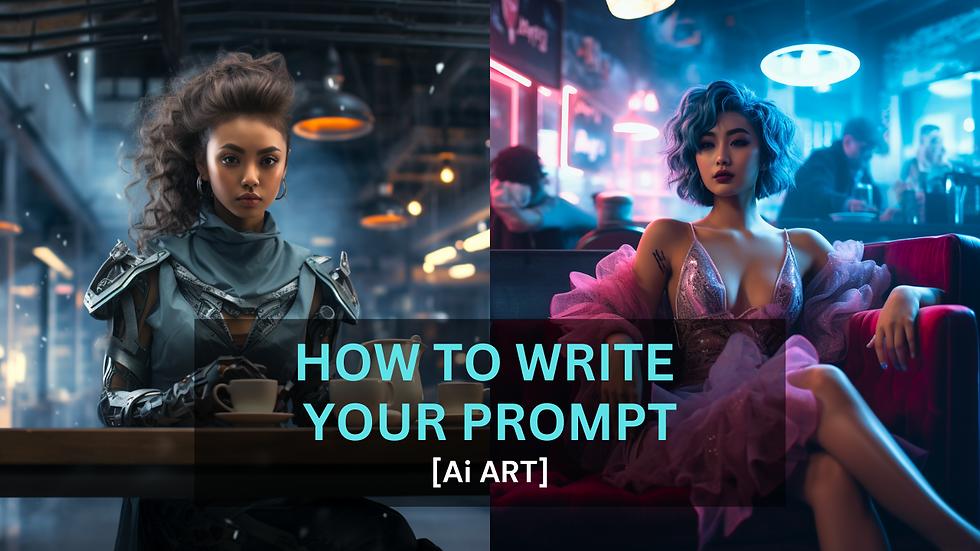
The words "Generative AI" have been wildly trending recently. It is a tool that helps you generate content. It can be an image, a video, a text or even a song.
But, to tell the Ai tool what you want, you must provide input in a text format called "prompt". (Because of that, there's a new career called prompt engineer now.)
For example, if you type "A cat", the AI tool will generate an image of a cat for you.
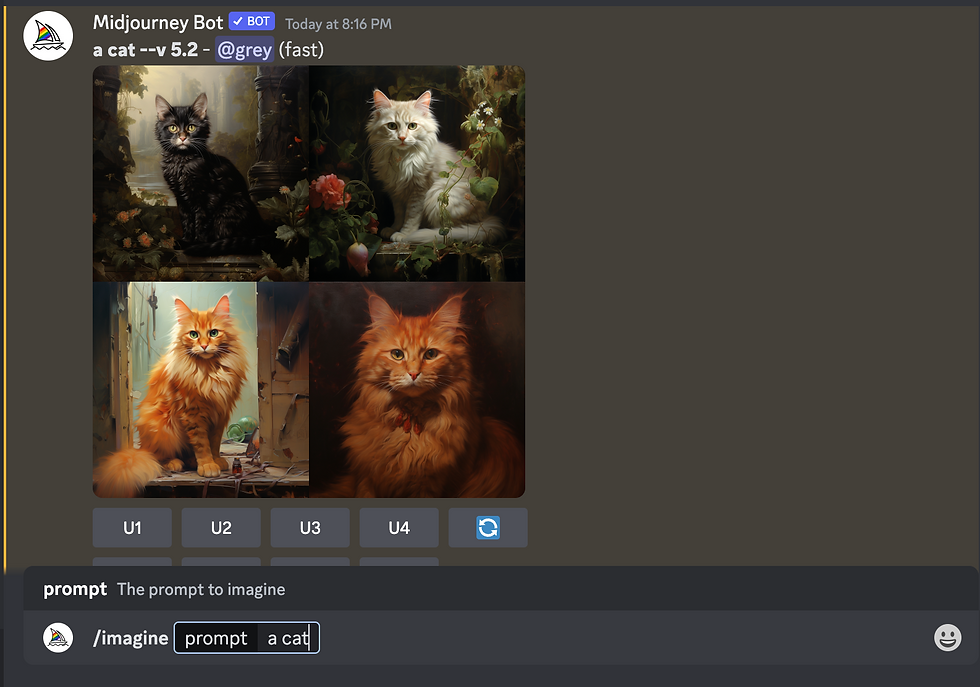
However, if you want something more complex, you must know how to write the prompt to feed Ai with more details to get what you want.
Using Midjourney
We will use Midjourney (MJ) to generate the images. It is a paid subscription tool, with the cheapest plan at USD 10 per month. Although there are other free generative AI tools on the market, most of them do not provide a commercial license.
On top of that, MJ is also one of the best tools on the market; it can generate very stylish and artistic images, keeping a realistic look at the same time.
For more information about MJ, you can visit its website here.
Prompt Guideline
To keep things simple, I introduce this structured prompt format that you can refer to when writing your prompt.
Please note that there's no definite to write a prompt, but this will serve as a guideline for you to have more control over the output result. At the same time, it gives you a better idea of how the prompt actually works.
Start Prompting
Now, we are going to start prompting using the guideline. We will begin with a very simple prompt and then slowly add in the rest of the details. Doing so allows us to verify our prompt at every stage and make every necessary finetuning instead of troubleshooting a very lengthy prompt.
We will start with a simple text, "A beautiful girl", and MJ will generate four images for us to pick.
/imagine prompt:
a beautiful girl
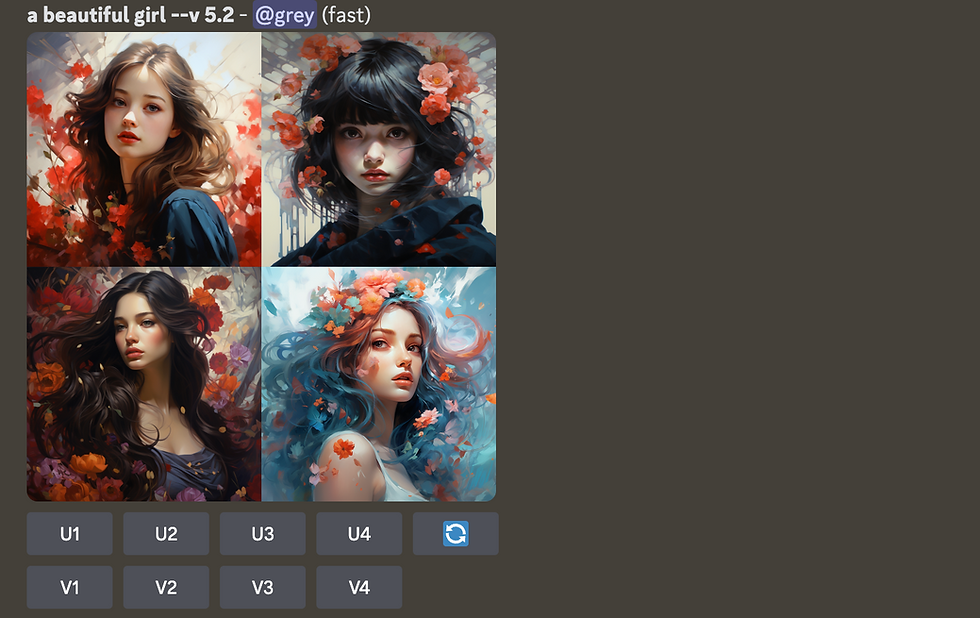
Now that we know that the return result is working fine for our prompt, we are going to add more details about the subject, for example.
/imagine prompt:
a beautiful chinese girl with a wavy cut hairstyle
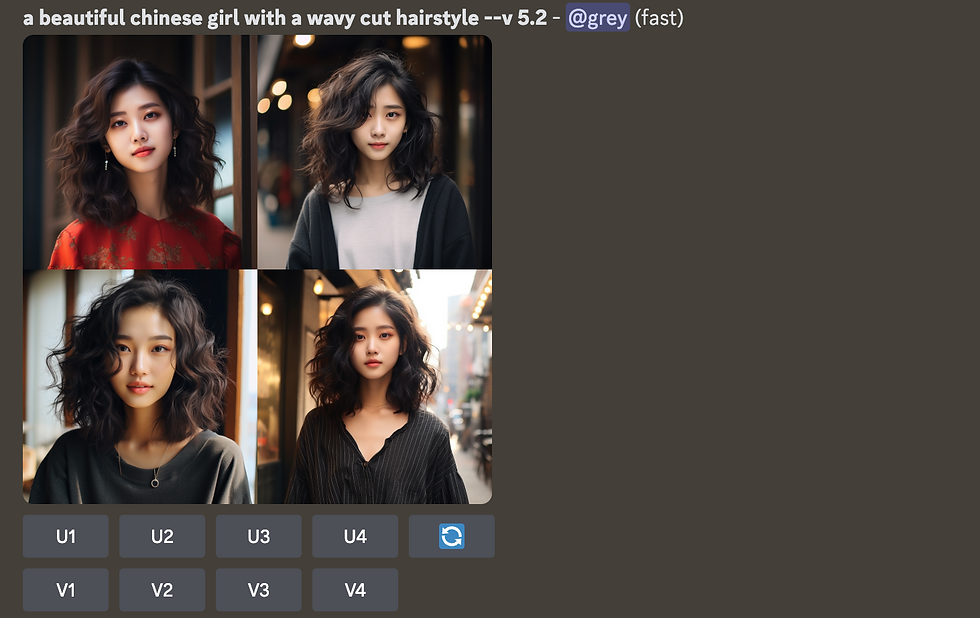
Next, let's add a description of the environment and what she is doing there.
/imagine prompt:
a beautiful chinese girl with a wavy cut hairstyle sitting in a coffee shop and enjoying her coffee
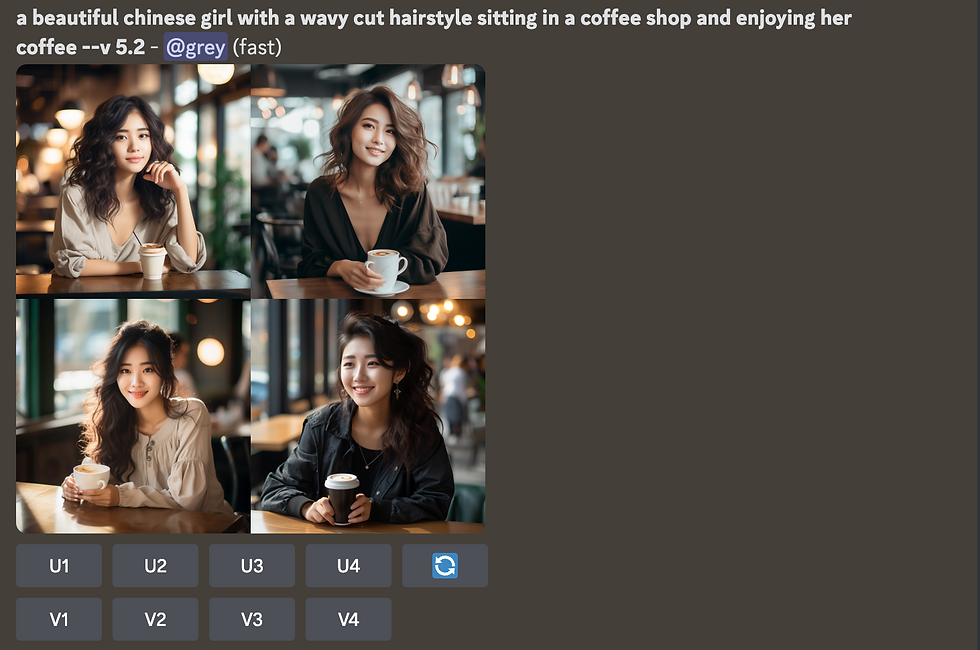
MJ generated the images according to our prompt.
How about if you want a wider view of the subject? You can add the keywords "A full body portrait of".
/imagine prompt:
A full body portrait of a beautiful chinese girl with a wavy cut hairstyle sitting In a coffee shop and enjoying her coffee
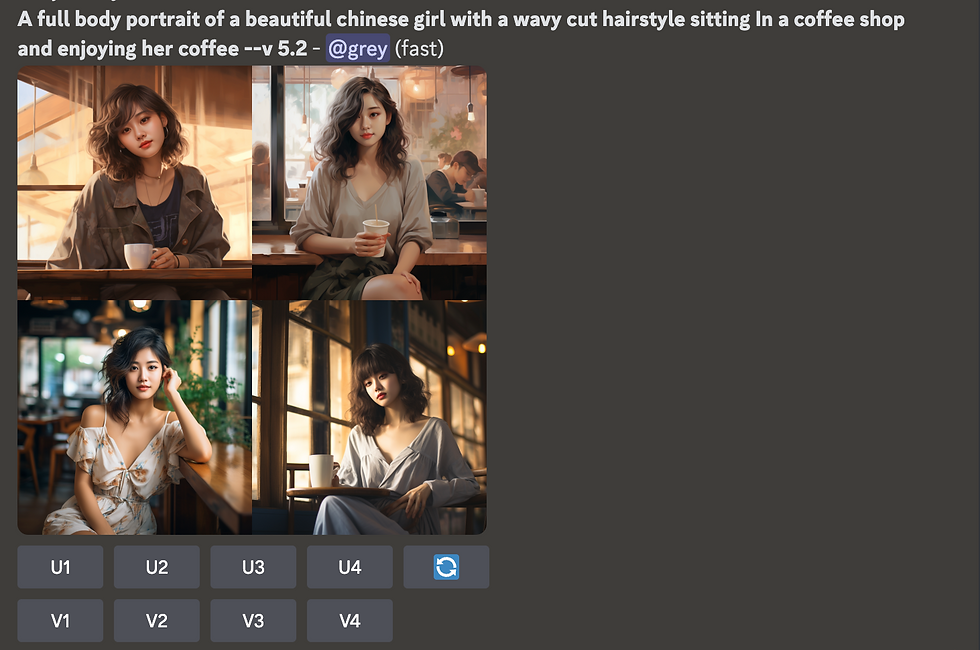
Now, we have a slightly zoom-out view of our model, but it is not really a "full-body portrait" view.
To solve that, we can add descriptions about our model's footwear so that MJ knows we also want to showcase what our model is wearing on her feet. Hence, MJ will include her feet in the frame.
/imagine prompt:
A full body portrait of a beautiful chinese girl with a wavy cut hairstyle sitting In a coffee shop and enjoying her coffee, wearing high heels
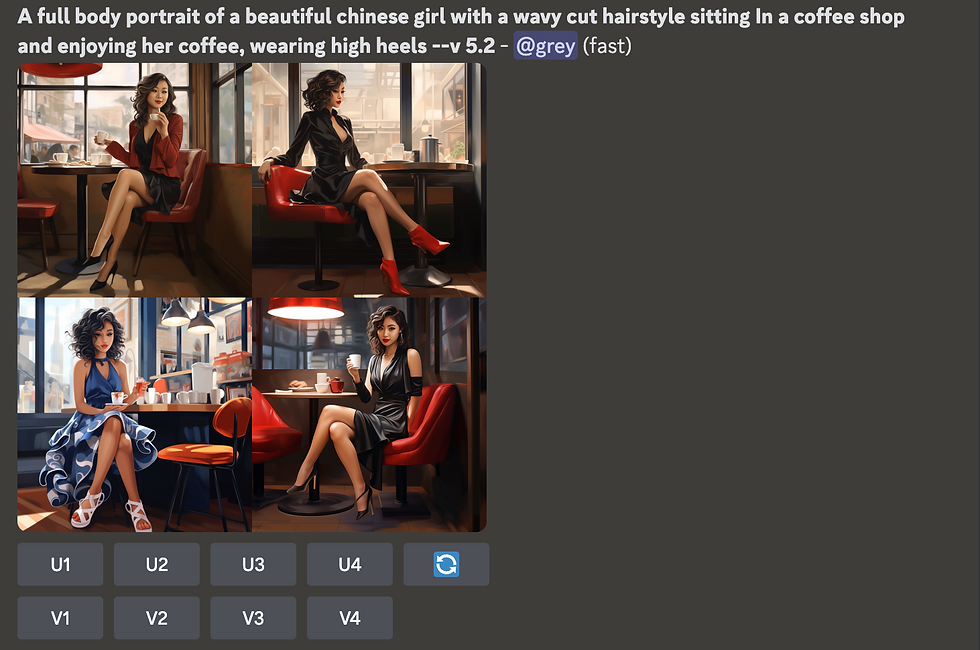
Although we managed to get a full-body portrait view of our model, the style turned out to be more like a drawing. To fix that, let's add a keyword, "photography".
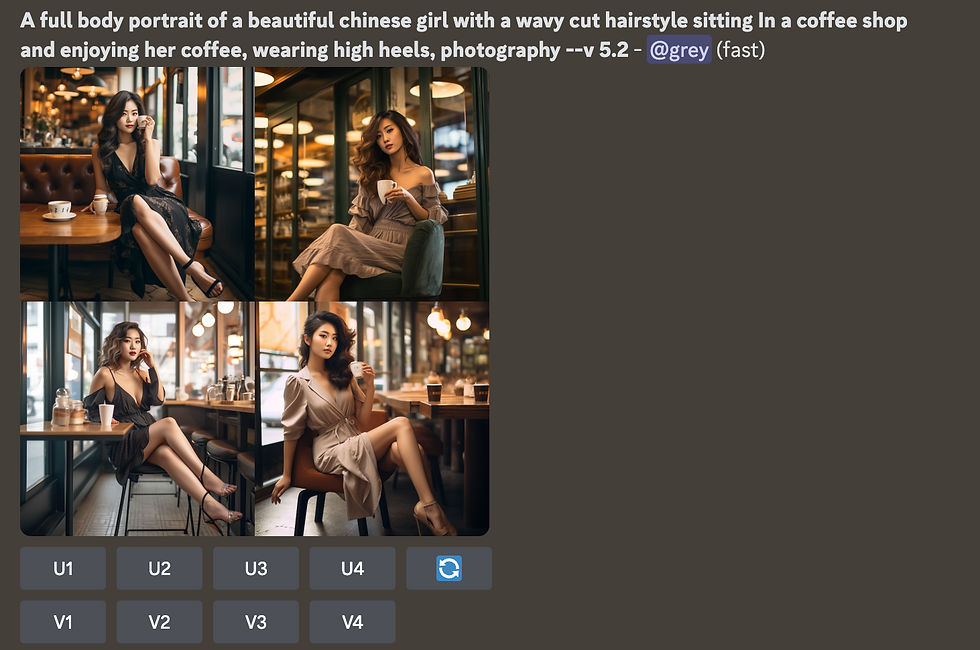
Finally, we got a full body portrait view of the model with a realistic look.

From here, you can try to change the image style by including keywords such as "3D cartoon", "Animation", or a certain movie director style, such as Tim Burton or Zack Snyder. Let's try to add in "Cyberpunk movie style"
For this example, I will use back the previous prompt without the words "wearing high heels", because that doesn't match the Cyberpunk style.
/imagine prompt:
Cyberpunk movie style.
A full body portrait of a beautiful chinese girl with a wavy cut hairstyle, sitting In a coffee shop and enjoying her coffee. Photography.
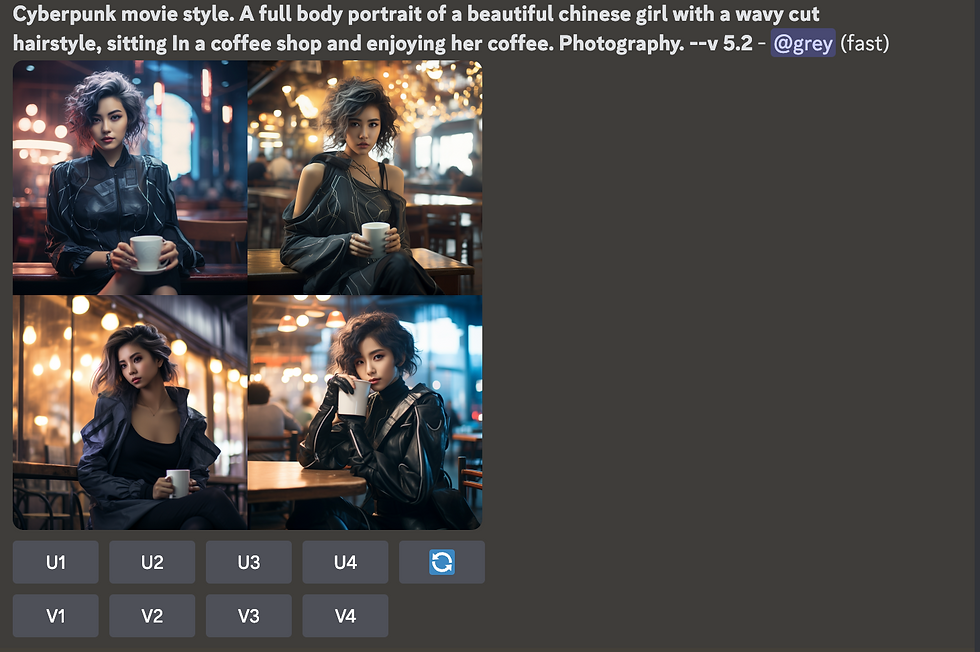
Next, we will add some keywords to add more details about the scene.
/imagine prompt:
Cyberpunk movie style.
A full body portrait of a beautiful chinese girl with a wavy cut hairstyle, sitting In a coffee shop and enjoying her coffee. Photography. Smoke, chaos, crowded.
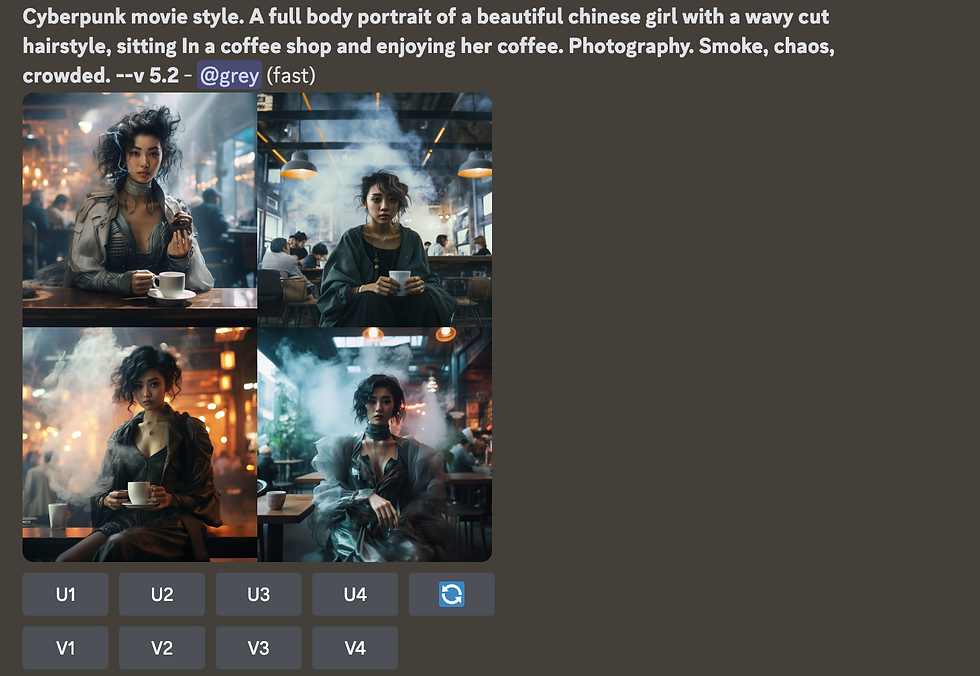
You can also tell MJ what kind of lighting you want for the image by adding keywords such as "Cinematic lighting", "Natural lighting", "sunrise", "neon light", etc.
/imagine prompt:
Cyberpunk movie style.
A full body portrait of a beautiful chinese girl with a wavy cut hairstyle sitting In a coffee shop and enjoying her coffee. Neon lights, cinematic lighting. Smoke, chaos, crowded.
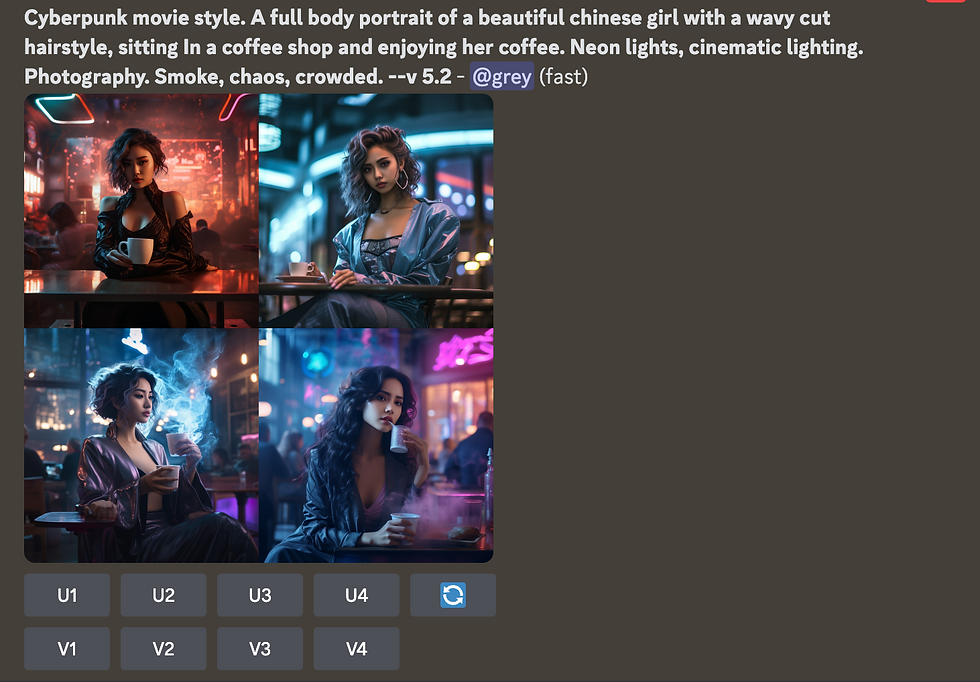
Voila!
Now, you have learned how to write a prompt. With that in mind, you can create images in any style you want.
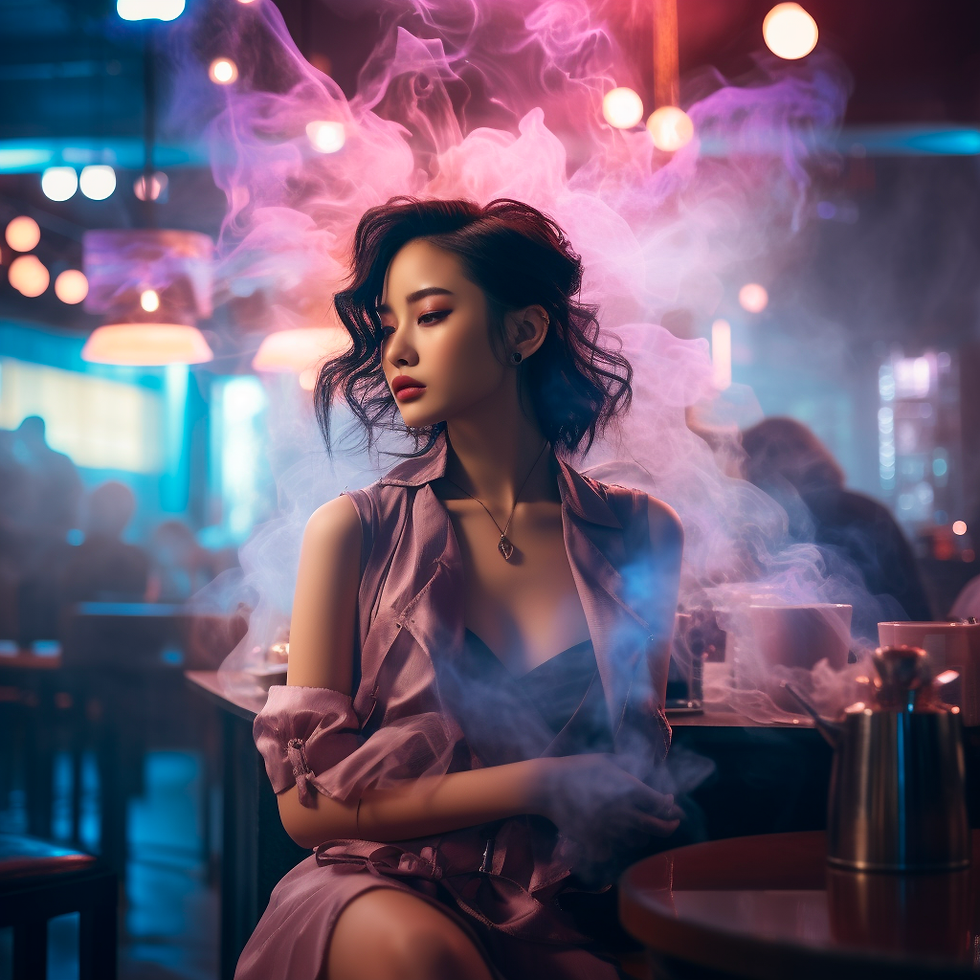
Have fun with prompting!
Grey Chow

The comparison table was probably the most useful part of my research because it gave me a quick way to understand how the different Telegram bots are positioned. Instead of looking at them only by name, I could compare whether they offered photo or video generation, free trials, starting prices, and other features. That made the differences between otherwise similar services much easier to see. I also wanted to understand why some bots seem to have several versions or backup channels, so I read further into the explanation of Telegram as a distribution method. The guide at https://cpa.live/en/ai-tools/undress-ai-telegram-bots/ explains that these projects can move to new bots when websites, hosting arrangements, or payment channels become unavailable. That was a useful…
I like how this post shows that prompting is really about learning how to ask for the result you have in mind. A vague request can send an AI tool in all sorts of directions, whereas a little context gives it something useful to work with. That becomes especially relevant when comparing the best AI tools for exam preparation, because a tool can only be as helpful as the instructions behind the screen. Ask it to break down a difficult concept, build practice questions around a weak topic, or explain where an answer went wrong, and the whole experience becomes far more useful.
A photograph can represent a memory, a creative idea, or a way to share a story. Sometimes users want to modify an image by adding elements that were not present when the original picture was taken. Artificial intelligence offers new possibilities for this type of creative editing through automated image-generation technologies. Tools that allow users to add a person to a photo can help create new compositions with fewer manual adjustments. More details about this AI-powered approach can be found here: https://overchat.ai/image/add-person-to-photo. Such solutions analyze the existing image and assist with integrating additional visual elements in a consistent way. This technology can be interesting for personal projects, design experiments, and digital content creation. By simplifying technical editing tasks, AI makes…
Great insights on writing better prompts. Clear instructions always lead to better results, just like choosing the right customized keychain UAE helps businesses create memorable brand experiences. Thanks for sharing these practical tips!
Great tips on writing prompts! It's amazing how AI can create anything. Speaking of AI interpretations, I recently tried a [vedic astrology chart] tool that gives detailed AI readings of birth charts. So cool!